
Waren.dev
24 Sep — 11:44 PST
- HomeAboutDocsGet in Touch
Package Documentation
Get Started with Mongodb
A server-only MongoDB utility for securely connecting to your database, managing collections, and running database operations without exposing server-side logic to the client.
Built around
mongodb- 01
Installation
Install MongoDB and Zod using your preferred package manager.
terminalnpm install @dev-waren/mongodb zod - 02
Define Your Configuration
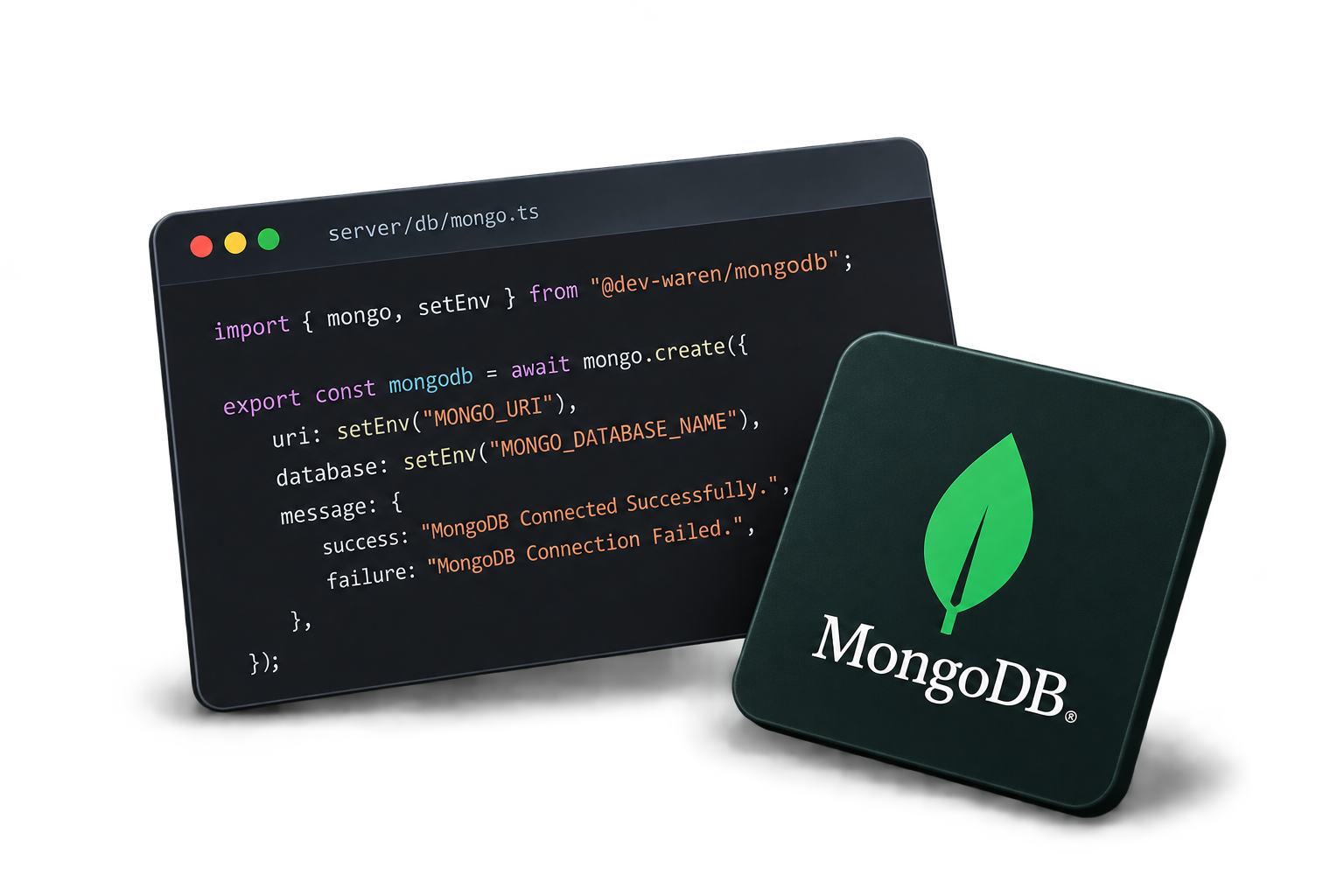
Create a server-side MongoDB connection using your environment configuration.
server/db/mongo.tsimport { mongo, setEnv } from "@dev-waren/mongodb"; export const mongodb = await mongo.create({ uri: setEnv("MONGO_URI"), database: setEnv("MONGO_DATABASE_NAME"), message: { success: "MongoDB Connected Successfully.", failure: "MongoDB Connection Failed.", }, }); - 03
Define the Collection Schema
Define the fields that are allowed to be returned by the collection.
schemas/movie.tsimport { z } from "zod"; export const movieSchema = z.object({ title: z .string() .min(1), description: z .string() .min(1), year: z .number() .int() .min(1900), genres: z .array(z.string()) .min(1), }); export type MovieSchema = z.infer<typeof movieSchema>; - 04
Configure the Collection
Create a typed collection using a Zod schema. Only fields declared by the schema are returned from MongoDB.
collection.tsimport { mongodb } from "./mongo"; import { movieSchema } from "./schemas/movie"; export const collection = { movies: mongodb.collection({ name: "movies", schema: movieSchema, }), }; - 05
Get All Movies using TanStack Start
Retrieve movies from the collection with sorting and a result limit.
services/get-all.tsimport { createServerOnlyFn } from "@tanstack/react-start"; import { collection } from "./collection"; export const getAllMovies = createServerOnlyFn(async () => { return collection.movies.all({ sortBy: "year", order: -1, limit: 10, }); }); - 06
Get a Movie by ID
Retrieve a single movie using a filter.
services/get-by-id.tsimport { createServerOnlyFn } from "@tanstack/react-start"; import { collection } from "./collection"; export const getMovieById = createServerOnlyFn( async (id: string) => { return collection.movies.findOne({ _id: id, }); }, ); - 07
Create a Movie
Insert a new movie into the collection using the typed movie schema.
services/create.tsimport { createServerOnlyFn } from "@tanstack/react-start"; import { collection } from "./collection"; import type { MovieSchema } from "./schemas/movie"; export const createMovie = createServerOnlyFn( async (data: MovieSchema) => { return collection.movies.create(data); }, ); - 08
Find and Update a Movie
Find a movie by its identifier and update its fields in a single operation.
services/update.tsimport { createServerOnlyFn } from "@tanstack/react-start"; import { collection } from "./collection"; import type { MovieSchema } from "./schemas/movie"; export const updateMovie = createServerOnlyFn( async ( id: string, data: Partial<MovieSchema>, ) => { return collection.movies.findOneAndUpdate( { _id: id }, { $set: data, }, ); }, ); - 09
Delete a Movie
Remove a movie from the collection using its unique identifier.
services/delete.tsimport { createServerOnlyFn } from "@tanstack/react-start"; import { collection } from "./collection"; export const deleteMovie = createServerOnlyFn( async (id: string) => { return collection.movies.deleteOne({ _id: id, }); }, ); - 10
Use with Node.js
Use the server-only MongoDB utility directly in a Node.js application.
server.tsimport { mongo, setEnv } from "@dev-waren/mongodb"; import { z } from "zod"; const mongodb = await mongo.create({ uri: setEnv("MONGO_URI"), database: setEnv("MONGO_DATABASE_NAME"), }); const movieSchema = z.object({ title: z.string(), description: z.string(), year: z.number(), genres: z.array(z.string()), }); const movies = mongodb.collection({ name: "movies", schema: movieSchema, }); const results = await movies.all({ sortBy: "year", order: -1, limit: 10, }); console.log(results); - 11
Node.js CRUD
Perform common MongoDB operations directly from a Node.js server.
server.tsimport { mongo, setEnv } from "@dev-waren/mongodb"; import { z } from "zod"; const mongodb = await mongo.create({ uri: setEnv("MONGO_URI"), database: setEnv("MONGO_DATABASE_NAME"), }); const movieSchema = z.object({ title: z.string(), description: z.string(), year: z.number(), genres: z.array(z.string()), }); const movies = mongodb.collection({ name: "movies", schema: movieSchema, }); // Create const movie = await movies.create({ title: "Interstellar", description: "A science fiction film about space and time.", year: 2014, genres: ["Sci-Fi", "Drama"], }); // Get by ID const foundMovie = await movies.findOne({ _id: movie._id, }); // Update const updatedMovie = await movies.findOneAndUpdate( { _id: movie._id }, { $set: { title: "Interstellar: Updated", }, }, ); // Delete await movies.deleteOne({ _id: movie._id, }); console.log({ movie, foundMovie, updatedMovie, }); - 12
Use with Next.js
Use the server-only MongoDB utility in a Next.js server environment.
lib/mongodb.tsimport { mongo, setEnv } from "@dev-waren/mongodb"; export const mongodb = await mongo.create({ uri: setEnv("MONGO_URI"), database: setEnv("MONGO_DATABASE_NAME"), message: { success: "MongoDB Connected Successfully.", failure: "MongoDB Connection Failed.", }, }); - 13
Configure the Collection
Create a typed MongoDB collection using a Zod schema.
lib/collection.tsimport { mongodb } from "./mongodb"; import { movieSchema } from "@/schemas/movie"; export const collection = { movies: mongodb.collection({ name: "movies", schema: movieSchema, }), }; - 14
Create a Server Action
Run MongoDB operations securely on the server using a Next.js Server Action.
app/actions/movies.ts"use server"; import { collection } from "@/lib/collection"; import type { MovieSchema } from "@/schemas/movie"; export async function getMovies() { return collection.movies.all({ sortBy: "year", order: -1, limit: 10, }); } export async function getMovieById(id: string) { return collection.movies.findOne({ _id: id, }); } export async function createMovie(data: MovieSchema) { return collection.movies.create(data); } export async function updateMovie( id: string, data: Partial<MovieSchema>, ) { return collection.movies.findOneAndUpdate( { _id: id }, { $set: data, }, ); } export async function deleteMovie(id: string) { return collection.movies.deleteOne({ _id: id, }); } - 15
Use the Server Action
Call your server-side database operations from a Next.js server component.
app/movies/page.tsximport { getMovies, getMovieById, } from "@/app/actions/movies"; export default async function MoviesPage() { const movies = await getMovies(); return ( <main> <h1>Movies</h1> {movies.map((movie) => ( <article key={movie._id}> <h2>{movie.title}</h2> <p>{movie.description}</p> </article> ))} </main> ); }
Support the project
Enjoying Mongodb utility?
A GitHub star helps the project gain visibility and reach more developers.